Nexum documentation
Nexum designs steel connections with two methods side by side: the hand checks of the AISC codes and design guides, and a finite element model of the whole connection (CBFEM, the component-based finite element method). You build the connection from a template, enter the factored loads, and get every check with its formula, its substitution and the clause it comes from, plus a calculation report, shop drawings and a bill of materials.
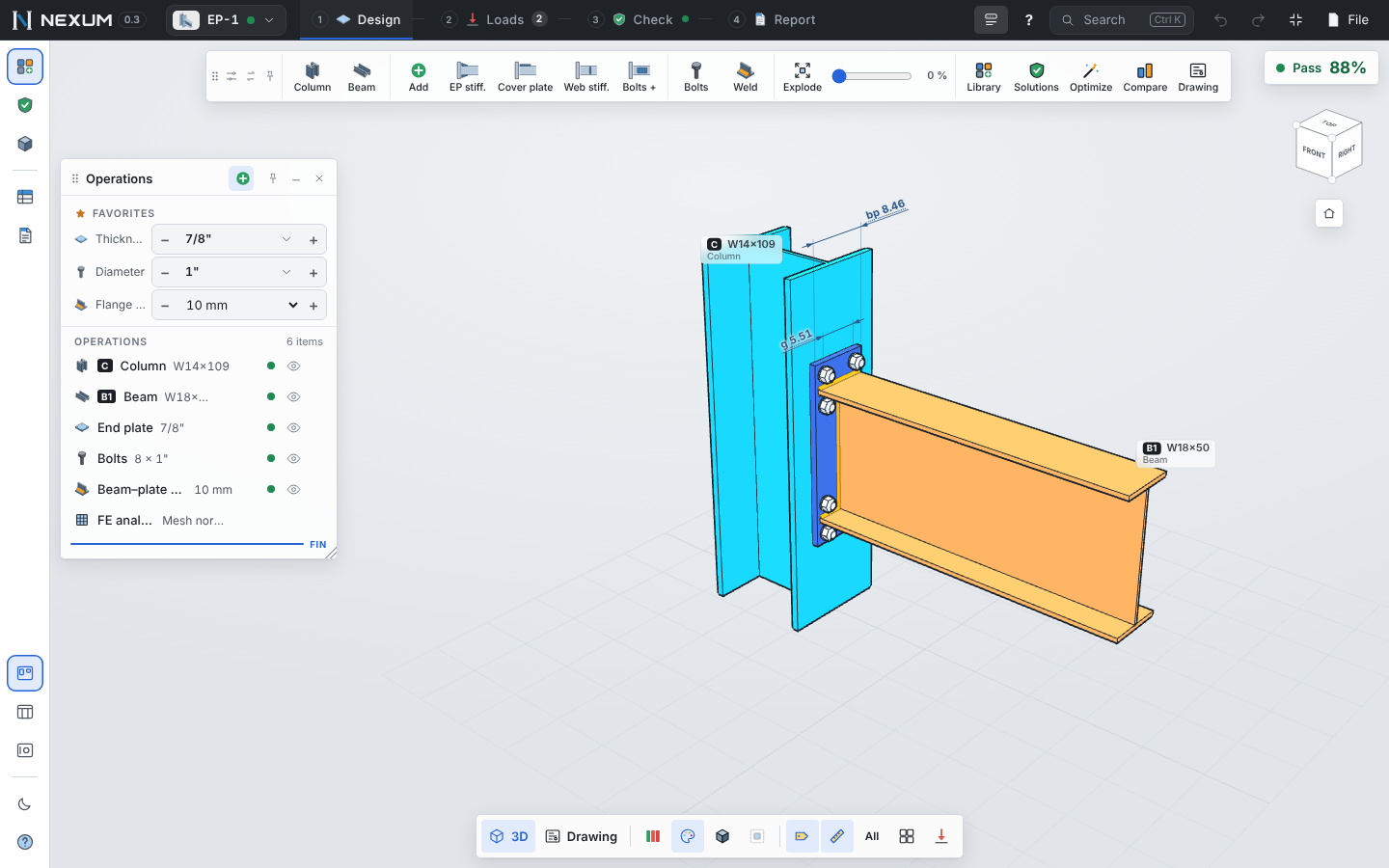
Start here#
| If you want to… | Read |
|---|---|
| Install Nexum, start the free trial or activate a license | Getting started |
| Learn the screen: windows, toolbar, view cube, shortcuts | The workspace |
| Design a full connection from scratch, step by step | Your first connection |
| Change plates, bolts and welds, add stiffeners or extra pieces | Designing a connection |
| Enter load cases, paste them from Excel or generate combinations | Loads and combinations |
| Read the results and fix what fails | Checks and results |
| See every connection type Nexum covers | Connection types |
| Design a base plate with anchor rods | Base plates and anchors |
| Understand the finite element model | CBFEM analysis |
| Design a beam, column or brace (AISC 360-16 Chapters D–H) | Member design |
| Print the report, export DXF drawings and the bill of materials | Reports, drawings and BOM |
| Switch units (kN, kip, mm, in…) or language | Settings and units |
| See how Nexum is verified against published examples | Verification |
| Look up a shortcut or a common question | Shortcuts and FAQ |
What Nexum checks#
- AISC 360-22 (Specification for Structural Steel Buildings), with the AISC Steel Construction Manual (Parts 9, 10, 12, 13, 14) and the design guides DG1 (base plates), DG4 and DG39 (end plates), DG7 (crane brackets), DG24 (HSS connections), DG29 (vertical bracing, Uniform Force Method) and DG41 (stainless bolts).
- ACI 318-19 Chapter 17 for anchor rods.
- AISC 341-22 capacity design for seismic systems (with the Mexican NTC equivalents noted).
- AISC 360-16 for member design (the edition checked against the 15th edition Manual and its Companion).
- Load combinations of ASCE 7-22 (LRFD) and the Mexican NTC 2023.
Every check states what the code says, what is a recommendation and what could not be verified. Nexum does not replace the review of the engineer of record.
Two methods, one model#
Analytical. The checks of the code and design guides, computed instantly as you edit. They are the reference: every one is written out as symbol = formula = substitution = result.
CBFEM. A nonlinear shell model of the connection (plates, members, welds, bolts, contact and concrete), solved in the background. Plates are judged by plastic strain (5% limit), and bolts, welds and anchors by the forces the model finds. It answers the cases the hand methods cannot see: prying with thin plates, flexible column flanges, unusual geometry, load paths through added pieces.
When both run, Nexum shows the one that governs and explains the difference in the Compare tool.